


























































































Text & Titles
Text Build
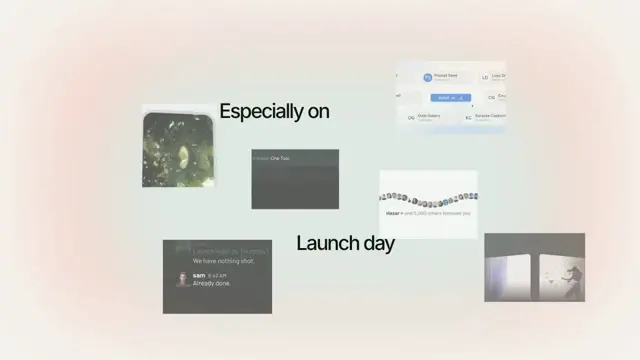
Words enter one at a time while the already-placed words reflow to stay centered — as a line or a stack
- Type
- Animation
- Duration
- 2.5s
- Category
- Text & Titles
- Source
- snapcn
Install
Unlike a plain text reveal, every word that is already on screen moves to make
room: each new word enters (from the right on axis="x", from above on
axis="y") and pushes the placed words through a re-centered layout, with a
soft blur pulse while they travel.
Installation
$ pnpm dlx shadcn@latest add @snapcn/text-buildNeeds an existing Remotion project and a components.json. Two-minute setup if this is your first snapcn component.
Component code
The exact file shadcn add copies into your project.
Usage
// src/Root.tsx
import { Composition } from "remotion";
import { TextBuild } from "@/components/snap-cn/text-build";

const TextBuildScene = () => (
  <TextBuild text="Ship. Test. Deploy. Repeat." axis="x" fontSize={72} />
);

export const RemotionRoot = () => (
  <Composition
    id="TextBuild"
    component={TextBuildScene}
    durationInFrames={75}
    fps={30}
    width={1280}
    height={720}
  />
);
Set axis="y" to build a centered stack of rows instead of a single line:
<TextBuild text="Build from above." axis="y" />Props
| Prop | Type | Default | Description |
|---|---|---|---|
textrequired | string | — | Phrase to build; split into words on spaces |
axis | "x" | "y" | "x" | Build direction: "x" grows a centered line (measured word widths), "y" grows a centered stack of fontSize-tall rows |
entryOffset | number | 88 (x) / 28 (y) | Distance in px a new word travels in from — the right on x, above on y |
gap | number | 10 (x) / 12 (y) | Space in px between words (x) or between rows (y) |
firstDuration | number | 10 | Frames the first word takes to settle |
pushDuration | number | 13 | Frames each subsequent word takes to enter and push the layout |
entryScale | number | 0.992 | Scale a word enters at before settling to 1 |
entryBlur | number | 3.5 (x) / 2.4 (y) | Blur in px a word enters with |
reflowBlur | number | 0.8 | Peak blur in px on already-placed words while they reflow |
easing | [number, number, number, number] | [0.2, 0.8, 0.2, 1] | Cubic-bezier control points used for every move |
fontSize | number | 72 | Font size in pixels (also the row height on the y axis) |
color | string | theme.foreground | Text color (any valid CSS color) |
fontWeight | number | 600 | CSS font-weight |
speed | number | 1 | Playback-rate multiplier applied to the frame clock |
className | string | — | Optional className passed to the wrapping element |
theme | Partial<SnapCnTheme> | — | Design-system token overrides. Anything you leave out falls back to the shadcn defaults |
mode | "light" | "dark" | — | Which end of the design system to resolve tokens against |
Frequently asked questions
How do I add Text Build to a Remotion project?
Run npx shadcn@latest add @snapcn/text-build. The source is copied into components/snap-cn/ (or wherever your components.json points) with anything it depends on, and you own the code from then on — there is no runtime package to keep installed.
What is Text Build?
Text Build is a Remotion reflowing text animation for React. Words enter one at a time while the already-placed words reflow to stay centered — as a line or a stack.
What do I need before using Text Build?
An existing Remotion project (npx create-video@latest) with a components.json. shadcn init does not recognise Remotion, so the installation guide has you write that file by hand — it takes two minutes. The component is MIT licensed and free.