










































































































Scenes
Count Grid
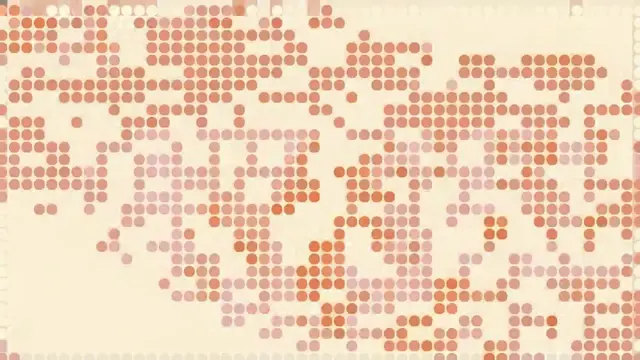
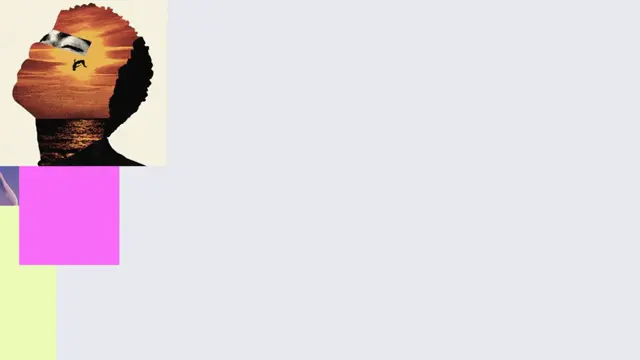
A grid of cards rushes in under a horizontal smear and settles on five, then the camera pulls back a fraction while every empty cell fills in from the middle out and the count jumps from five to five hundred
- Type
- Animation
- Duration
- 1.6s
- Category
- Scenes
- Source
- snapcn
Install
The "and it scales" shot, without a cut. Five cards and a label arrive under a hard horizontal smear and settle. Then, on one frame, the camera pulls back a fraction and every empty cell around them fills in from the middle out while the number in the label jumps — five clips, then five hundred.
The whole scene hangs on one value: the cell pitch. The card size, the gutter, the label and the grid's placement are all fractions of it, so the timing lives in a single curve and nothing can drift out of step with anything else.
Installation
$ pnpm dlx shadcn@latest add @snapcn/count-gridNeeds an existing Remotion project and a components.json. Two-minute setup if this is your first snapcn component.
Component code
The exact file shadcn add copies into your project.
Usage
// src/Root.tsx
import { Composition } from "remotion";
import { CountGrid } from "@/components/snap-cn/count-grid";

const Scale = () => (
  <CountGrid
    from="5"
    to="500"
    noun="clips"
    cards={[
      "/shots/01.jpg",
      "/shots/02.jpg",
      "/shots/03.jpg",
      // …cycled across the grid
    ]}
  />
);

export const RemotionRoot = () => (
  <Composition
    id="CountGrid"
    component={Scale}
    durationInFrames={47}
    fps={30}
    width={1280}
    height={720}
    defaultProps={{}}
  />
);
Forty-seven frames — a second and a half. It is a beat inside a longer edit, not a standalone piece, and it is built to be cut into.
The beats
| beat | frames | what moves |
|---|---|---|
| rush in | 0 – 7 | cell pitch 174 → 138.5, hard horizontal smear |
| settle | 7 – 19 | 138.5 → 121.5, the blur spent by frame 5 |
| label | 11 – 18 | the whole line fades up at once — it does not type |
| drift | 19 – 36 | 121.5 → 118, still moving, never held |
| fill | 37 – 46 | 118 → 96.5, every cell populates, the count changes |
Two details are worth knowing, because they are what make it read as film rather than as a transition:
One card lands late. Every other card is sharp and in place by frame 5; the one behind the label is still a horizontal streak at 7 and only settles around 9. It is the difference between five separate things arriving and one picture being pushed in.
The settle never settles. The pitch is still shedding a fifth of a pixel per frame at frame 36, right up to the moment the grid starts filling. A held value there reads as a freeze-frame; a value that is still moving reads as a camera.
How the fill works
Cells are addressed by column and row from the middle, and each one's arrival is ranked by its Chebyshev distance to the nearest of the five that were already there. Ring one is the eight cells touching them, ring two the eight touching those, and so on. Each ring starts a frame after the one inside it and takes a frame and a half, so the grid grows outward from the label instead of appearing all at once.
The ramp straddles the switch frame rather than starting on it — a ring that is still at zero on the frame the count changes arrives visibly late.
Props
from/to— the count before and after the fill. Strings, so"5"and"500", or"1"and"1k".noun— what is being counted. It does not change when the number does.cards— image URLs, cycled across the grid. Neighbours never share one. The five that carry the first half of the shot take from the front of the list, so put your strongest images there. Defaults to snapcn's own showcase frames and one still per component in the registry.inkFrom/inkTo— the label's ink, left end and right end of a horizontal gradient across the line. Default to the theme'sprimary, darkened towardforegroundon the left.background— the page. Defaults to the theme'sbackground.theme/mode— a partialSnapCnThemeand"light"or"dark". Cards and the label pill paint fromcardandborder.speed—1is the measured speed;0.5plays it half as fast.
Notes
Images go through Remotion's <Img>, so the render blocks until they load and
no frame is captured with a half-drawn card. Pass them through staticFile() if
they live in your project's public directory — a bundle serves that folder from
its own path, and a hard-coded /shots/01.jpg is a 404 in the render while
looking perfect in the browser.
The grid draws whatever reaches the frame at the current pitch and no more, so the composition can be any aspect ratio; a taller frame simply shows more rows.
Frequently asked questions
How do I add Count Grid to a Remotion project?
Run npx shadcn@latest add @snapcn/count-grid. The source is copied into components/snap-cn/ (or wherever your components.json points) with anything it depends on, and you own the code from then on — there is no runtime package to keep installed.
What is Count Grid?
Count Grid is a Remotion stat card grid animation for React. A grid of cards rushes in under a horizontal smear and settles on five, then the camera pulls back a fraction while every empty cell fills in from the middle out and the count jumps from five to five hundred.
What do I need before using Count Grid?
An existing Remotion project (npx create-video@latest) with a components.json. shadcn init does not recognise Remotion, so the installation guide has you write that file by hand — it takes two minutes. The component is MIT licensed and free.