







































































































Logos
Logo Collapse
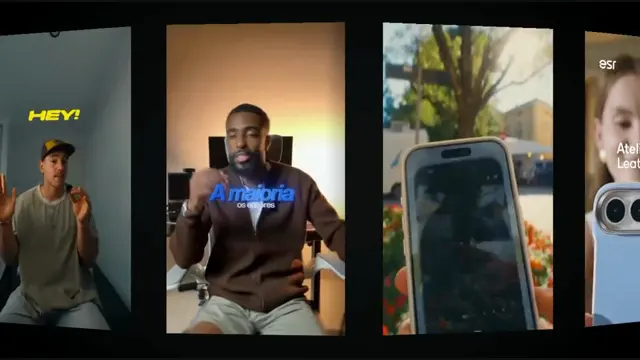
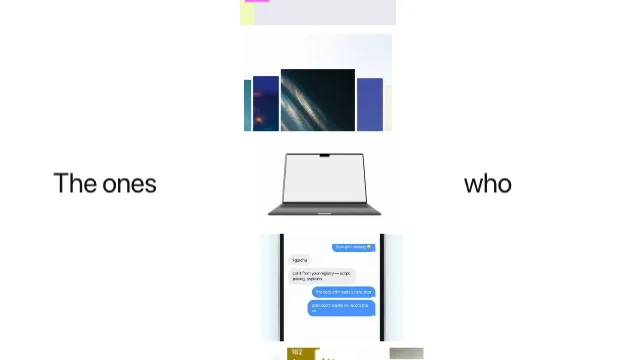
A stack of shots flicked through, collapsing into your mark, and the wordmark landing beside it — each card smaller and held for less time than the last, cutting rather than tweening, until the stack resolves into a logo
- Type
- Animation
- Duration
- 1.7s
- Category
- Logos
- Source
- snapcn
Install
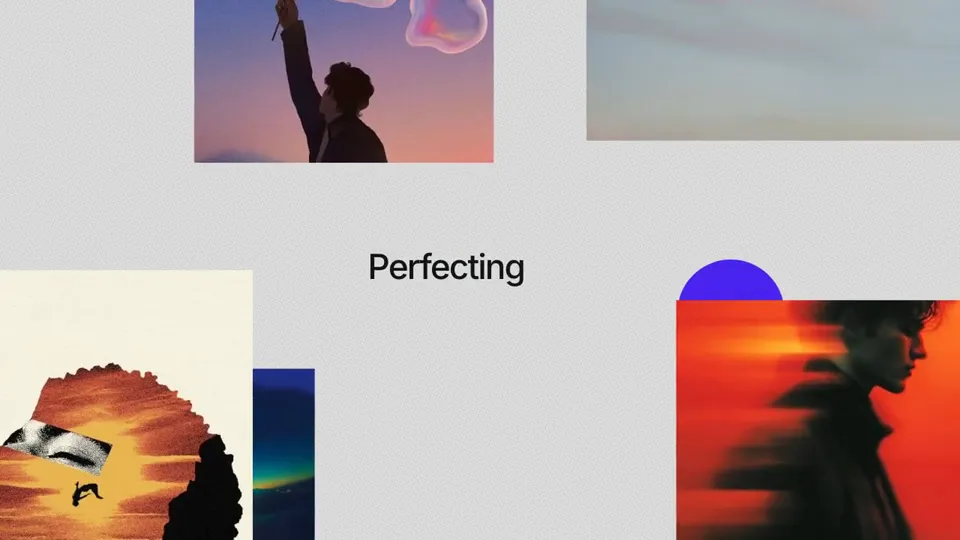
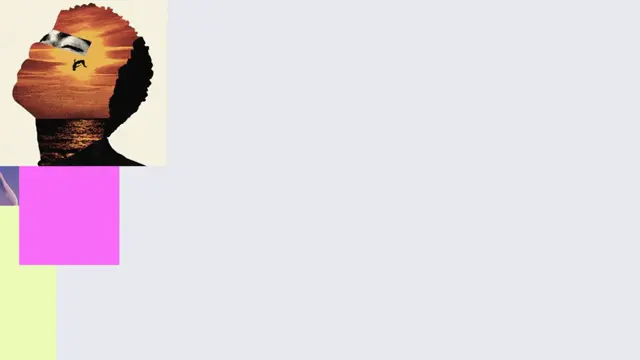
One card holds the middle of the frame and cuts to the next shot, each one smaller and each held for less time than the last, so the sequence winds itself up rather than running at a constant clip. At the end of the run the card does not shrink away — it collapses onto a plain tile, the mark overshoots its resting size and settles, the tile goes, and the mark steps aside to make room for the word.
The cuts are cuts
Nothing cross-fades and nothing tweens between shots. The reference holds each card at a fixed size for its whole beat — measured, the box is constant to the pixel across every frame of a hold, and then a different size on the next one. A card that eased between sizes would read as a zoom; a card that cuts reads as a stack of prints being dealt, which is the whole idea.
That is why sizes and holds are parallel lists of literals rather than a
ratio and a duration. Neither series is geometric, and a formula fitted to one
would miss the other.
The collapse, frame by frame
The beat that is easy to miss and impossible to unsee: the photo card does not shrink into the mark. It cuts to a plain light tile with the mark sitting on it, holds two frames, and only then does the tile go. In the reference that tile is luma 233 against a page of 247 — faint enough that nothing thresholded at 200 finds it, and it is what makes the collapse read as a stack resolving into a logo rather than as a card that got small.
Then the mark lands: 32px, 25, 24, 23, on four consecutive frames. Two frames of overshoot is the difference between a mark that arrives and a mark that is simply smaller than the card was — and it is the only place in the scene where anything moves between frames instead of cutting.
Room for the word
The mark is centred alone, then steps to a waypoint for four frames, then to its place in the lockup as the word appears whole. Two steps, held, not an ease — the same grammar as the cards. Last, two brackets ping in above and below: each lands at 7px in full accent and settles to 4px and about a third of its ink over five frames, so by the time the lower one arrives the upper one has already quietened.
Notes
images and the two lists beside it are parallel — one entry each per shot. A
size is a share of the frame height: 0.48 is a square card, 0.82x0.461 a 16:9
one. Real photo sets are not all one shape, and forcing a portrait print square
crops it.
Cards cut at their own aspect and fill their box, so pick shots that read at the smallest size in the run — the last card is on screen for a sixth of a second at a third of the frame.
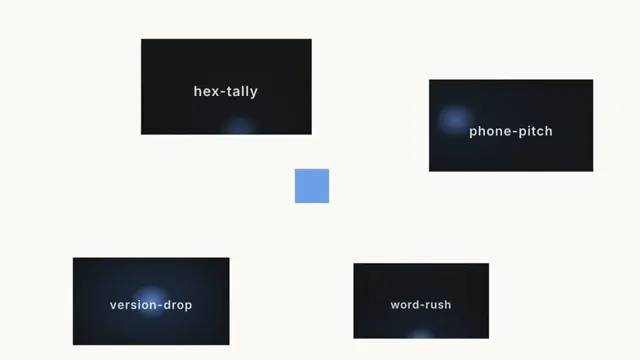
The default stack is the registry's own preview posters, so the sting says the thing snapcn says: a great many scenes, and one library they all came out of.
Installation
$ pnpm dlx shadcn@latest add @snapcn/logo-collapseNeeds an existing Remotion project and a components.json. Two-minute setup if this is your first snapcn component.
Component code
The exact file shadcn add copies into your project.
Usage
// src/Root.tsx
import { Composition } from "remotion";
import { LogoCollapse } from "@/components/snap-cn/logo-collapse";

const Sting = () => (
  <LogoCollapse mark="/logo/acme.png" wordmark="Acme" />
);

export const RemotionRoot = () => (
  <Composition
    id="LogoCollapse"
    component={Sting}
    durationInFrames={52}
    fps={30}
    width={1280}
    height={720}
  />
);
Props
| Prop | Type | Default | Description |
|---|---|---|---|
images | string | — | The stack, split by `|`. The card cuts through them in order — not by comma, because a data: URL has one of its own |
sizes | string | — | Each shot's card, as a share of the frame height. `0.48` is square; `0.82x0.461` is 16:9 |
holds | string | "1,5,5,4,2,5" | Frames each shot is held for |
mark | string | "/logo/snapcn.png" | The mark the stack collapses into |
wordmark | string | "snapcn" | The word that lands beside it |
background | string | — | Optional plate behind everything — a paper, a gradient, a still |
accent | string | — | The colour the two brackets ping in. Blank uses the theme's accent |
fontFamily | string | "Default" | Inter Tight unless you name one of the loaded faces |
theme | Partial<SnapCnTheme> | — | Design-system token overrides. Anything you leave out falls back to the shadcn defaults |
mode | "light" | "dark" | — | Which end of the design system to resolve tokens against |
Frequently asked questions
How do I add Logo Collapse to a Remotion project?
Run npx shadcn@latest add @snapcn/logo-collapse. The source is copied into components/snap-cn/ (or wherever your components.json points) with anything it depends on, and you own the code from then on — there is no runtime package to keep installed.
What is Logo Collapse?
Logo Collapse is a Remotion logo collapse animation for React. A stack of shots flicked through, collapsing into your mark, and the wordmark landing beside it — each card smaller and held for less time than the last, cutting rather than tweening, until the stack resolves into a logo.
What do I need before using Logo Collapse?
An existing Remotion project (npx create-video@latest) with a components.json. shadcn init does not recognise Remotion, so the installation guide has you write that file by hand — it takes two minutes. The component is MIT licensed and free.