


































































































Text & Titles
Say It
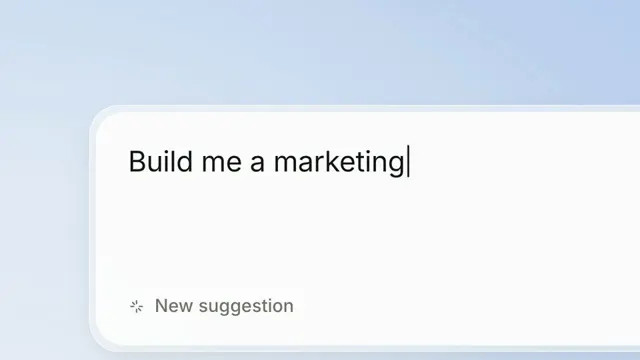
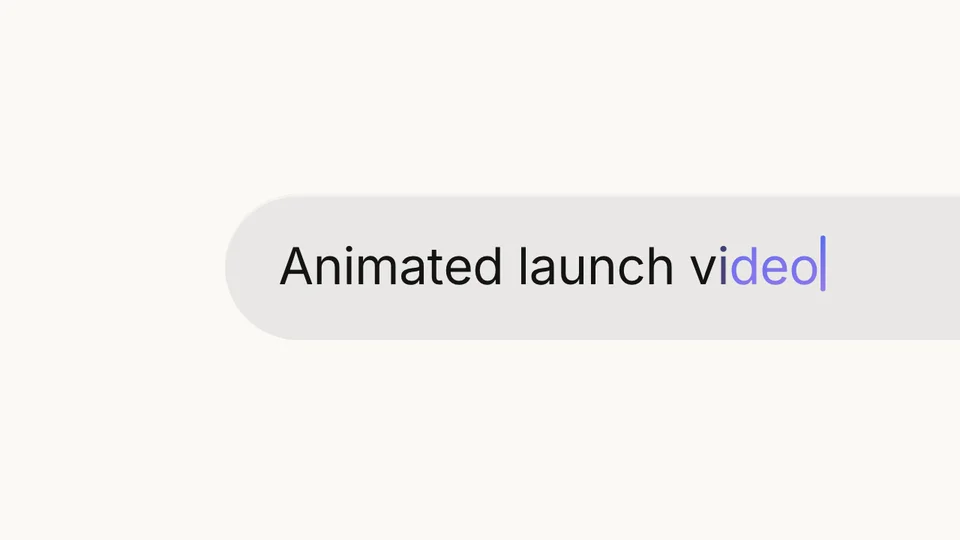
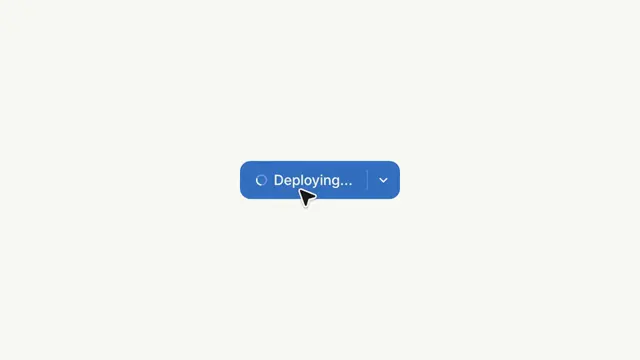
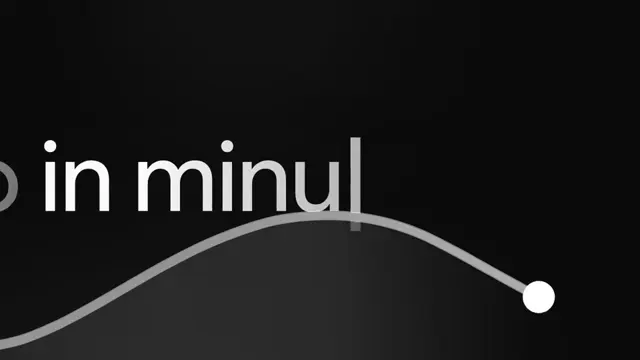
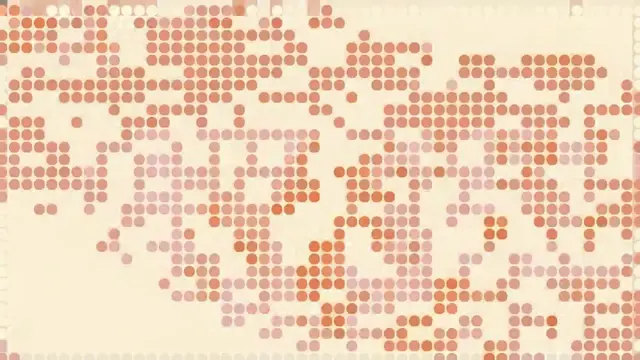
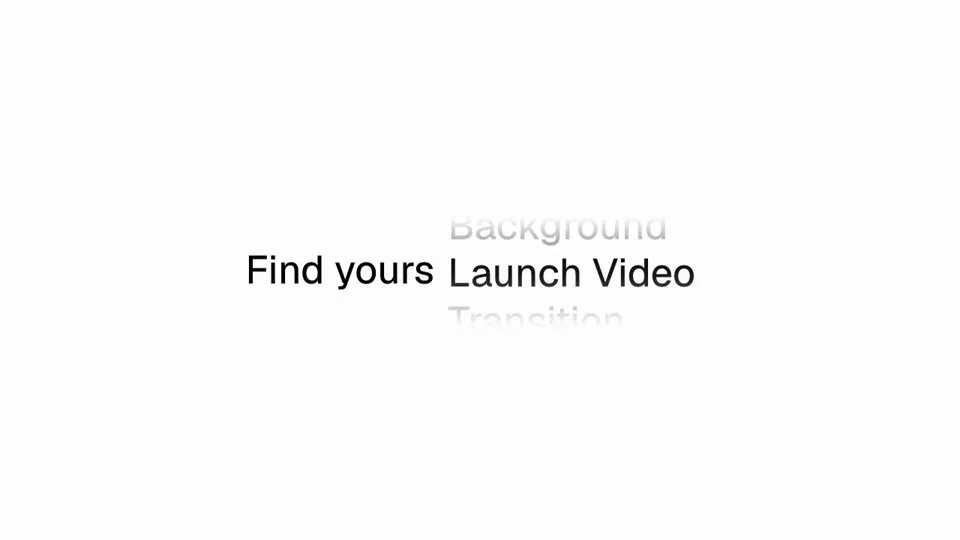
A word that comes apart, leaves a control behind, and gets pressed. One line of type: its last word scrambles itself into nothing — punctuation for letters, characters reordered, two frames a state — and a control is standing where it was. A pointer walks up and presses it; the camera is thrown at the control in a single frame, 1.09× to 2.47×, which is why that frame smears; the control opens into a bar of level with a caption under the pointer. Then the camera tracks left, leaves the control behind, finds the second line already waiting, and the closing line arrives a word at a time. The camera's scale came off the headline's cap height — the one signal in the scene that cannot be confused with a layout change — and its track off the icon's own silhouette, which holds at 99×143px for thirty frames while its left edge runs 324 to 3. The box the word sits in collapses continuously rather than in steps at the frames it loses characters, which is the difference between a line that flows and a line that twitches five times.
- Type
- Animation
- Category
- Text & Titles
- Source
- snapcn
Price
$179 a year · $279 outright
Frequently asked questions
How do I add Say It to a Remotion project?
Say It is part of snapcn Pro, and installs with the same shadcn CLI as every free component: npx shadcn@latest add @snapcn/say-it. The source is copied into your project and is yours to edit — there is no runtime package to keep installed.
What is Say It?
Say It is a Remotion word to button animation for React. A word that comes apart, leaves a control behind, and gets pressed.
Is Say It free?
No. It is one of 68 Pro components, sold together: $179 a year for the whole catalogue and everything that ships while your year runs, or $279 once to own it outright. The other 52 snapcn components are free and MIT.