




































































































Screens & Devices
Build Out
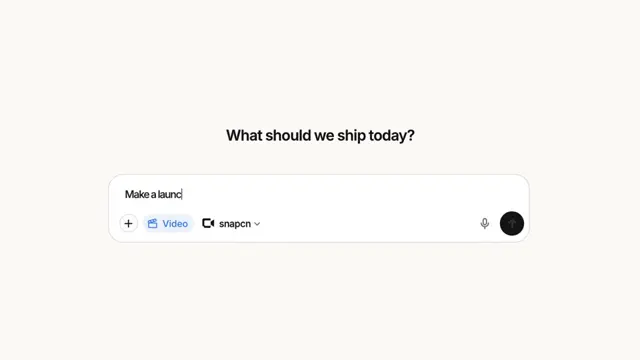
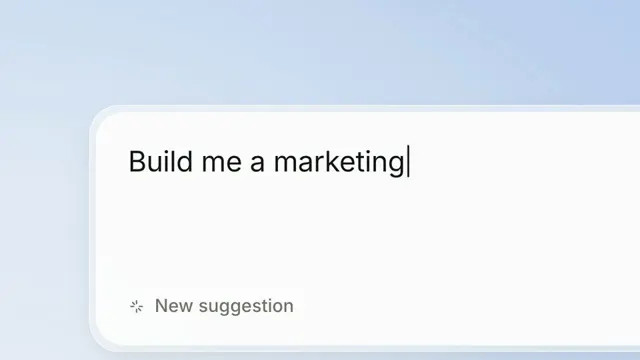
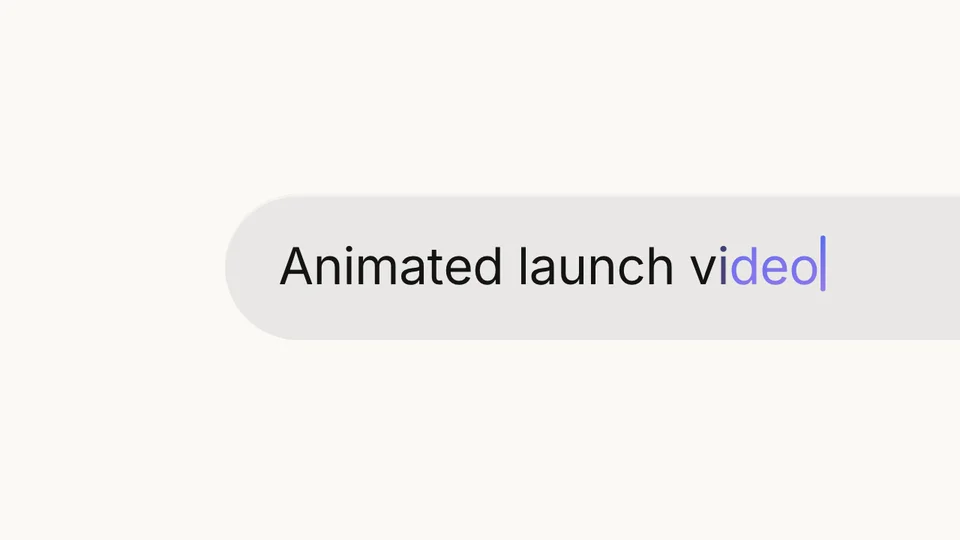
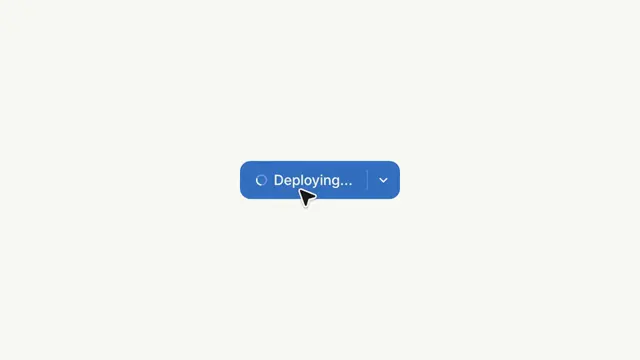
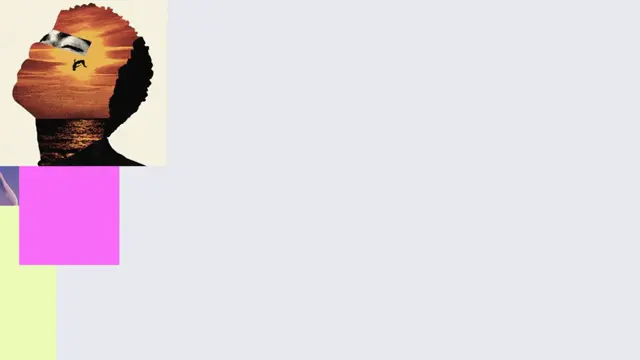
A send button that fills the frame, and the app that comes out of it. The shot opens inside the button — the arrow alone, forty times life size, still turned — and the camera falls back off it onto a prompt that is being typed at seventy-nine characters a second. A pointer arrives edge-on to the lens, rotates flat as it lands, presses, and holds. Then a hard cut, and the app the prompt asked for is already there: drawing itself in block by block, backing off into the frame, and being worked on by people who are not you — two presence labels pop, the wordmark is selected and re-set in a serif, the artwork in the grid is swapped. The camera in each half is a measured table: act one is a pure scale about the send button's centre, which is the one thing on screen that never moves, and act two is read off the workspace's left edge and the ratio of its two vertical sides, which is what recovers a turn from a flat recording. The field's blob geometry was fitted to the reference's own corner samples rather than guessed.
- Type
- Animation
- Category
- Screens & Devices
- Source
- snapcn
Price
$179 a year · $279 outright
Frequently asked questions
How do I add Build Out to a Remotion project?
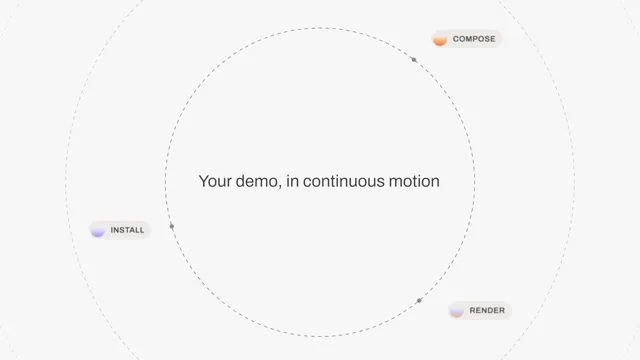
Build Out is part of snapcn Pro, and installs with the same shadcn CLI as every free component: npx shadcn@latest add @snapcn/build-out. The source is copied into your project and is yours to edit — there is no runtime package to keep installed.
What is Build Out?
Build Out is a Remotion AI app build animation for React. A send button that fills the frame, and the app that comes out of it.
Is Build Out free?
No. It is one of 68 Pro components, sold together: $179 a year for the whole catalogue and everything that ships while your year runs, or $279 once to own it outright. The other 52 snapcn components are free and MIT.