























































































































Charts & Stats
Tally Rise
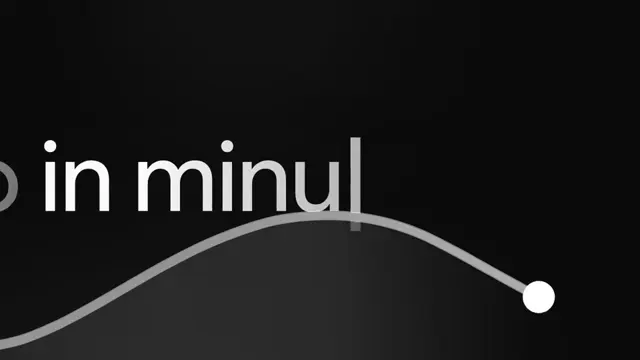
A currency figure climbing on a bloom that dies under it. One number, one label, one light: the figure counts, the frame pushes in on it, and the blue the whole scene is lit by drains away over the second half so that what is left is the figure alone on near-black. Everything on the type layer — both cap tops, both baselines, both left edges — is a single uniform scale about one point, fitted to 0.19px over all 28 measured frames, and each line is scaled about its own baseline so the push never puts a baseline on the pixel grid. The figure is anchored by its left edge and not centred, which is measured and is also the argument for it: a live number that re-centres itself every time a 1 rolls into a 4 shimmies sideways on every tick. The light is a fifteen-stop radial gradient taken off the reference's own radial profile ring by ring, with a flat core and a falloff that bends through three measured waypoints — and it fades by weight rather than by opacity, because that is the path the reference's own colours take down.
- Type
- Animation
- Category
- Charts & Stats
- Source
- snapcn
Price
$179 a year · $279 outright
Frequently asked questions
How do I add Tally Rise to a Remotion project?
Tally Rise is part of snapcn Pro, and installs with the same shadcn CLI as every free component: npx shadcn@latest add @snapcn/tally-rise. The source is copied into your project and is yours to edit — there is no runtime package to keep installed.
What is Tally Rise?
Tally Rise is a Remotion counter animation for React. A currency figure climbing on a bloom that dies under it.
Is Tally Rise free?
No. It is one of 68 Pro components, sold together: $179 a year for the whole catalogue and everything that ships while your year runs, or $279 once to own it outright. The other 52 snapcn components are free and MIT.