





































































































AI Chat Input
Files Drop
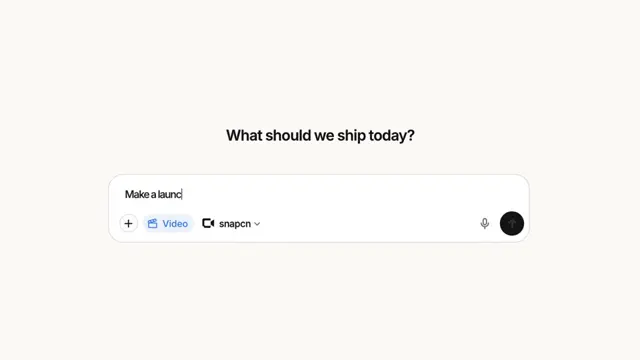
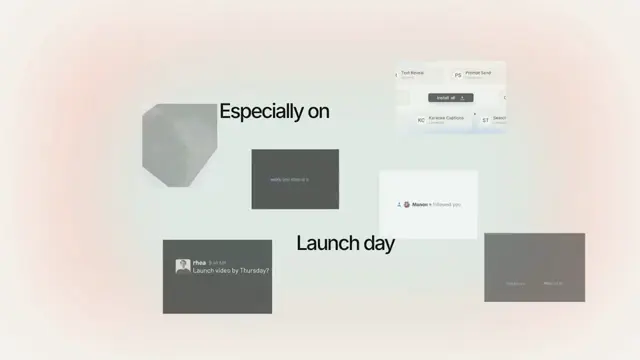
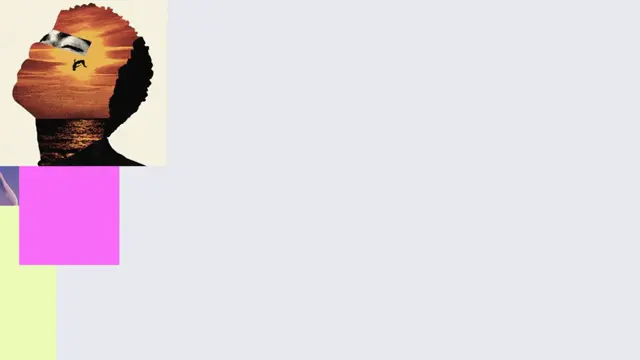
A handful of frames is dragged into a prompt and becomes five attachments. A stack of files sweeps in from off frame on an exponential settle — 161ms time constant, straight line, onto a rest point — with the other four trailing it up and to the left at a constant 21 degrees, each link closing on its resting offset one frame at a time, front to back, as the pointer slows. Then the release: the gathered pile is thrown 46px and collapses onto itself as it lands on the first slot's exact corner. Five empty slots appear out of order, each turning a 320-degree ring, and their pictures resolve in a different order again, because five files read in parallel do not finish in the order they were handed over. Nothing fades — a slot and a picture are each there on one frame and not on the one before, which is what an img does when it decodes. The pointer path, the four trails, the typing rate and every beat are measured tables on the recording's own 30fps grid.
- Type
- Animation
- Category
- AI Chat Input
- Source
- snapcn
Price
$179 a year · $279 outright
Frequently asked questions
How do I add Files Drop to a Remotion project?
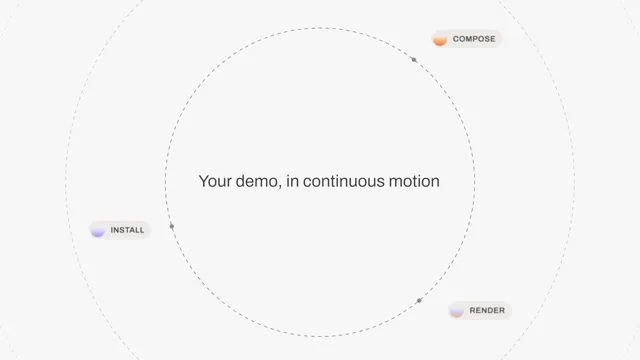
Files Drop is part of snapcn Pro, and installs with the same shadcn CLI as every free component: npx shadcn@latest add @snapcn/files-drop. The source is copied into your project and is yours to edit — there is no runtime package to keep installed.
What is Files Drop?
Files Drop is a Remotion file upload animation for React. A handful of frames is dragged into a prompt and becomes five attachments.
Is Files Drop free?
No. It is one of 68 Pro components, sold together: $179 a year for the whole catalogue and everything that ships while your year runs, or $279 once to own it outright. The other 52 snapcn components are free and MIT.