









































Text & Titles
Drop Line
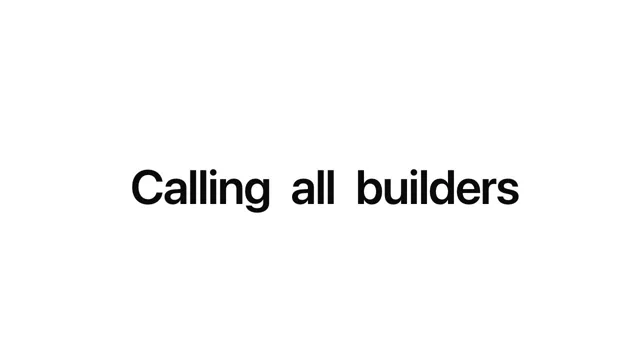
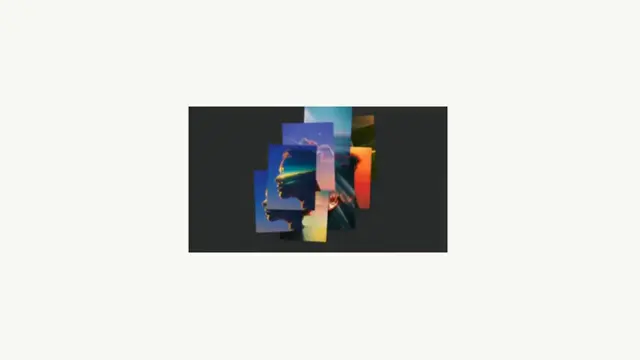
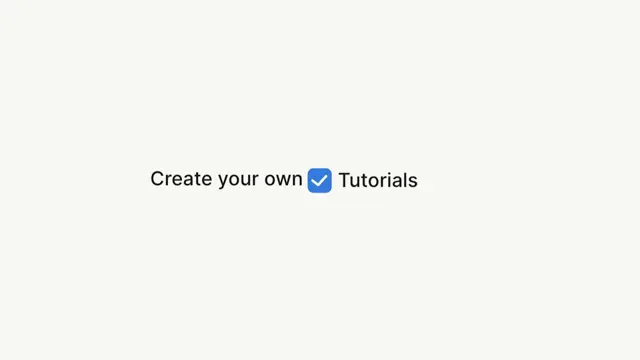
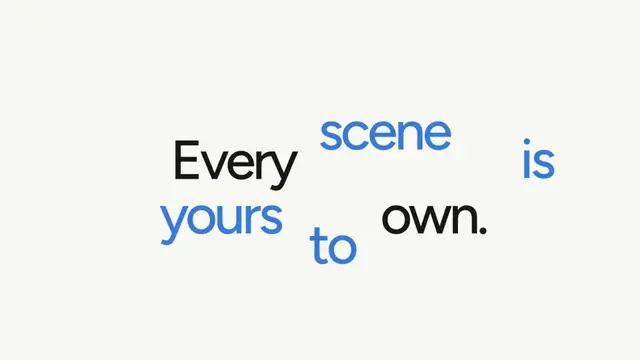
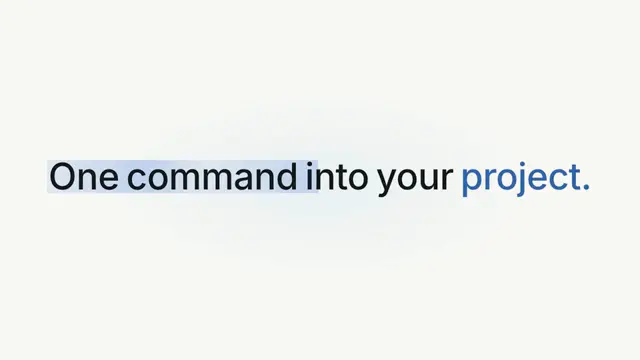
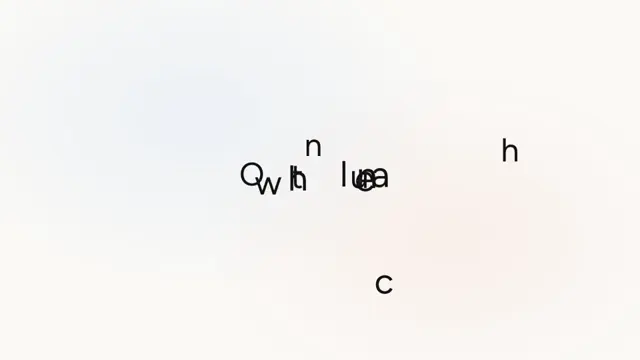
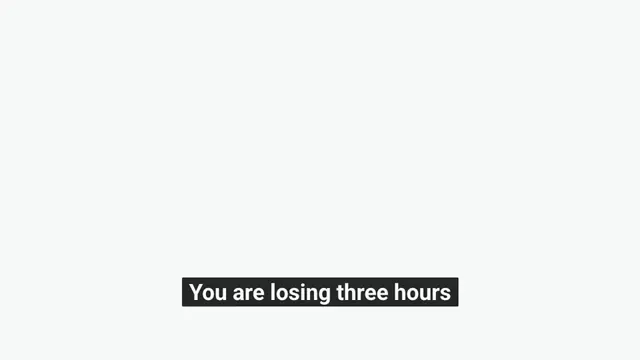
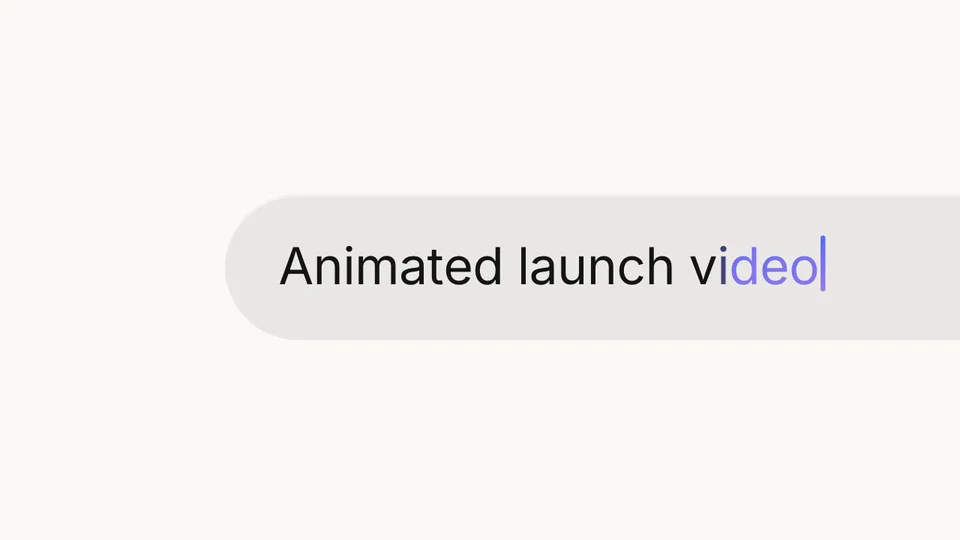
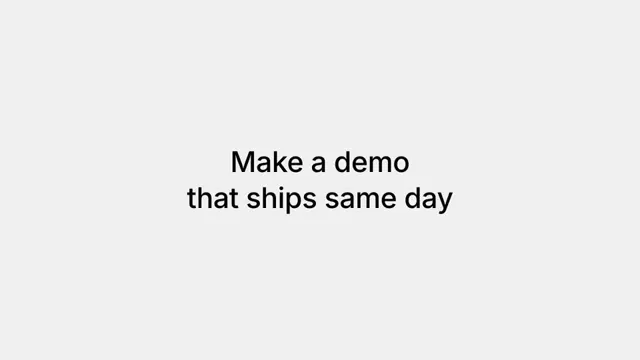
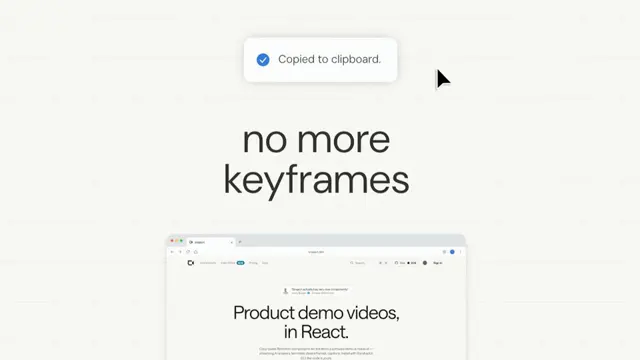
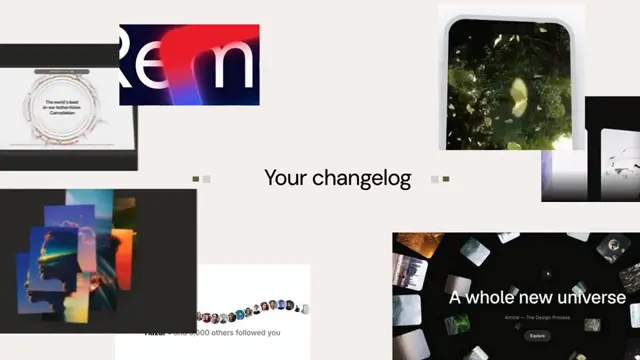
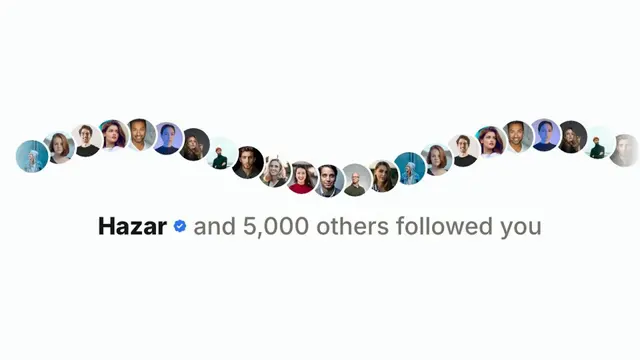
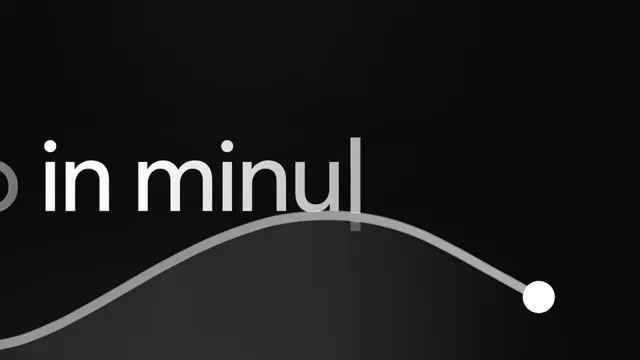
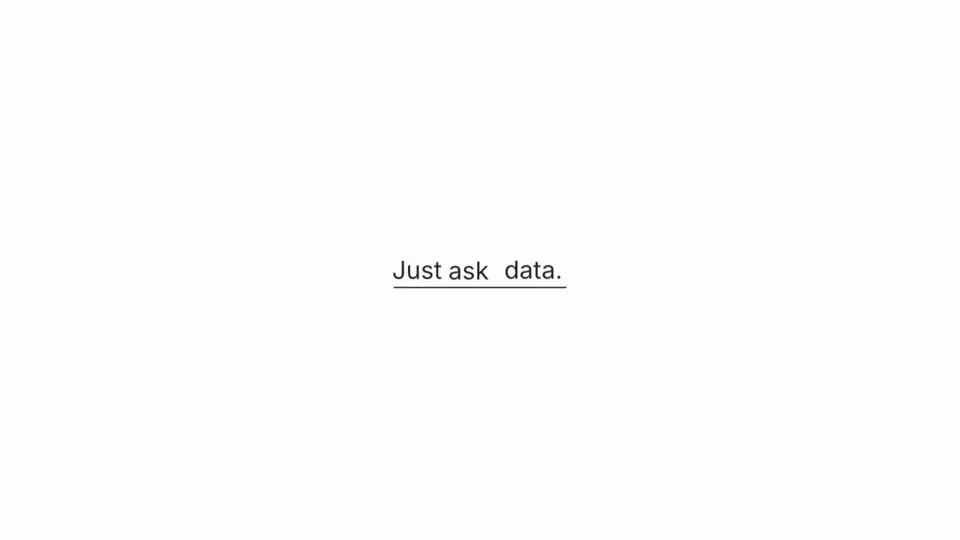
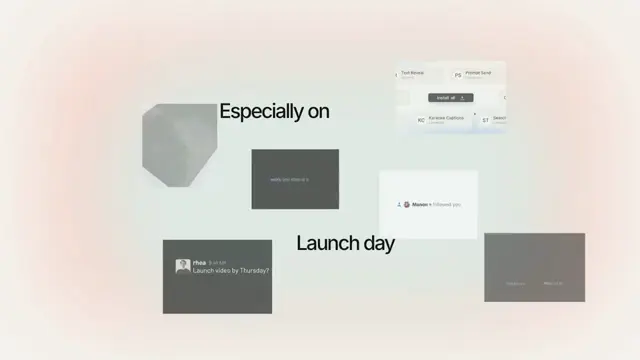
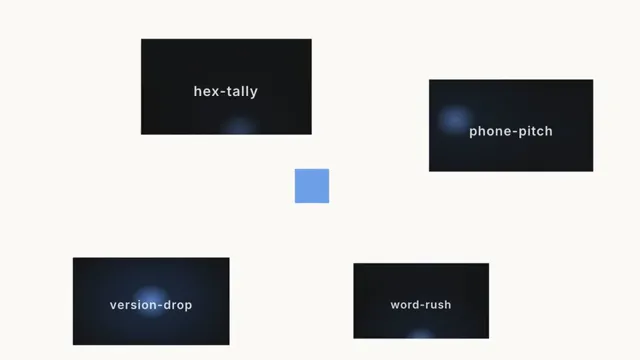
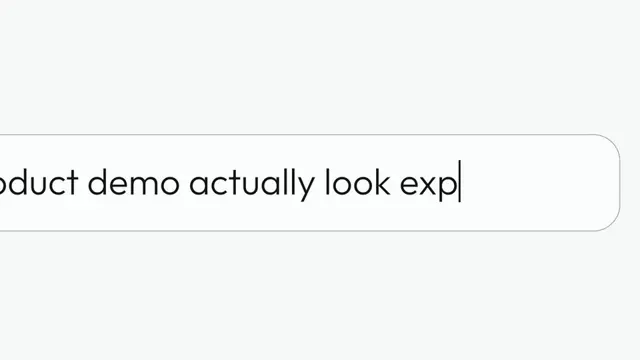
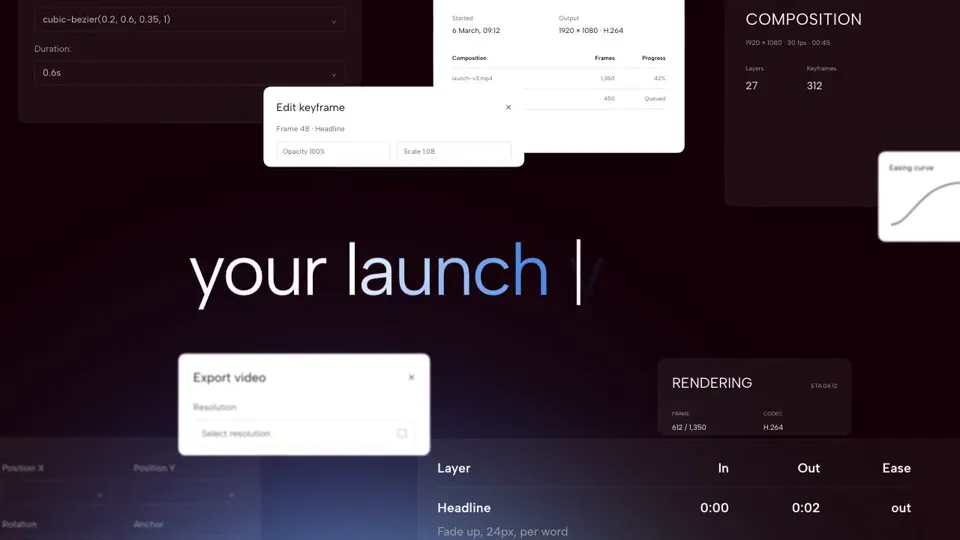
Words cut past one card at a time, then the last word sinks out from under the dot of its own i
- Type
- Animation
- Duration
- 1.3s
- Category
- Text & Titles
- Source
- snapcn
Install
Installation
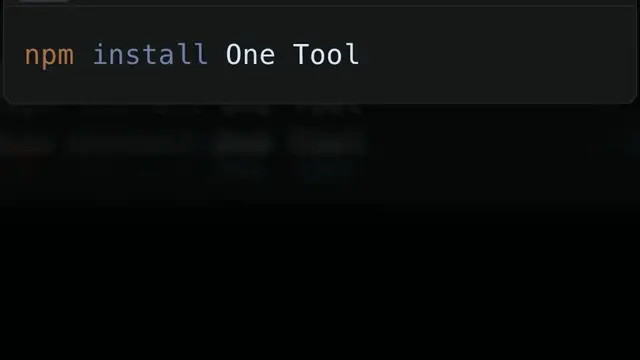
$ pnpm dlx shadcn@latest add @snapcn/drop-lineNeeds an existing Remotion project and a components.json. Two-minute setup if this is your first snapcn component.
Component code
The exact file shadcn add copies into your project.
Usage
Drop Line paints its own card and runs 38 frames at 30fps. Timing is measured frame by frame off a reference; every word, colour and font is a prop.
import { DropLine } from "@/components/snap-cn/drop-line";

export const Beat = () => <DropLine />;
Frequently asked questions
How do I add Drop Line to a Remotion project?
Run npx shadcn@latest add @snapcn/drop-line. The source is copied into components/snap-cn/ (or wherever your components.json points) with anything it depends on, and you own the code from then on — there is no runtime package to keep installed.
What is Drop Line?
Drop Line is a Remotion word drop text animation for React. Words cut past one card at a time, then the last word sinks out from under the dot of its own i.
What do I need before using Drop Line?
An existing Remotion project (npx create-video@latest) with a components.json. shadcn init does not recognise Remotion, so the installation guide has you write that file by hand — it takes two minutes. The component is MIT licensed and free.