









AI Chat Input
Prompt Mark
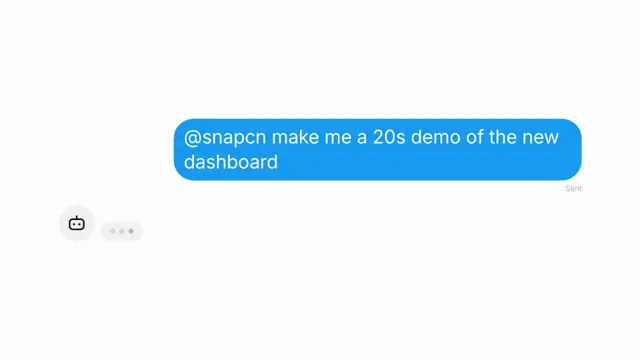
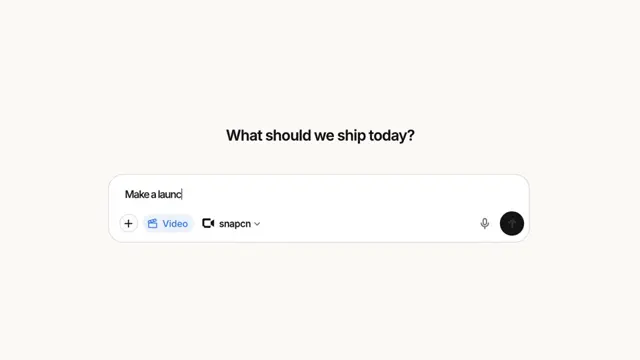
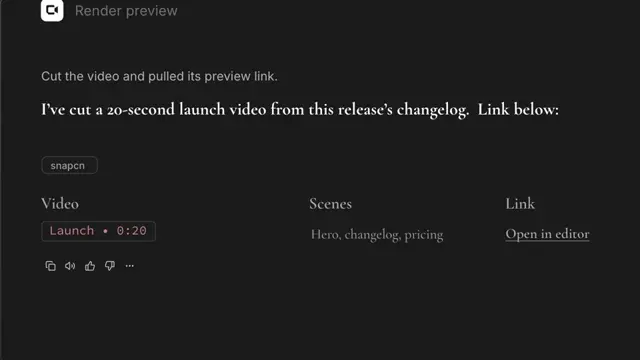
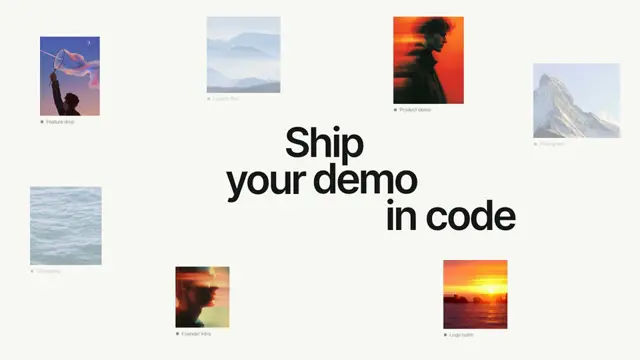
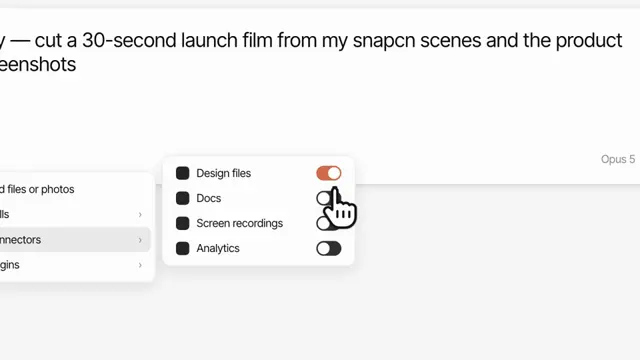
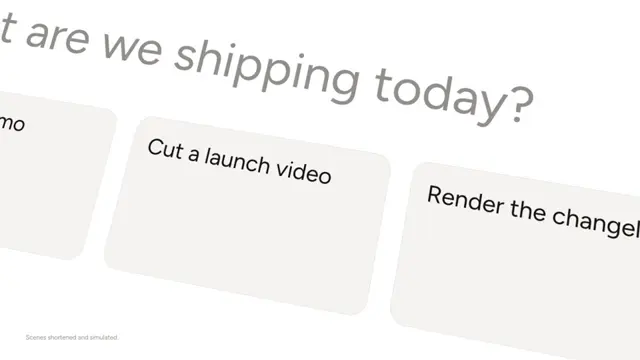
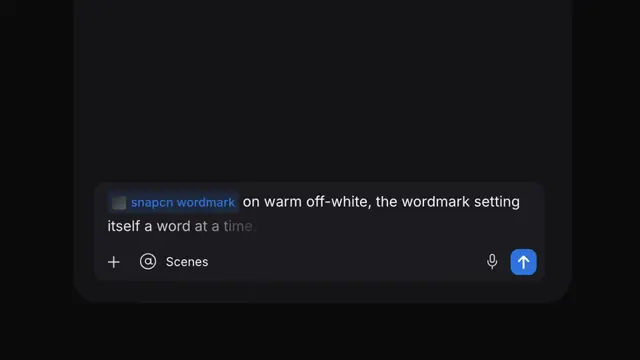
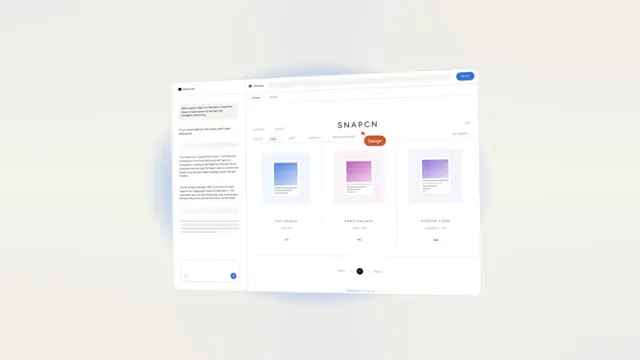
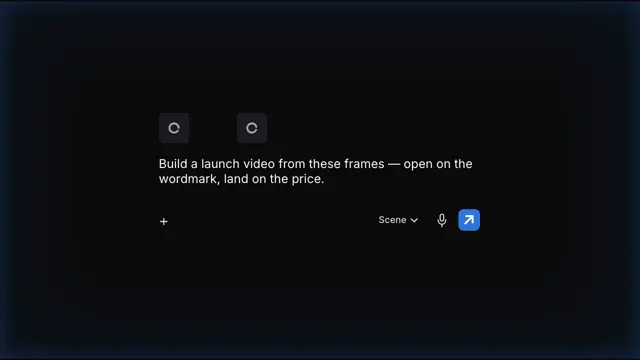
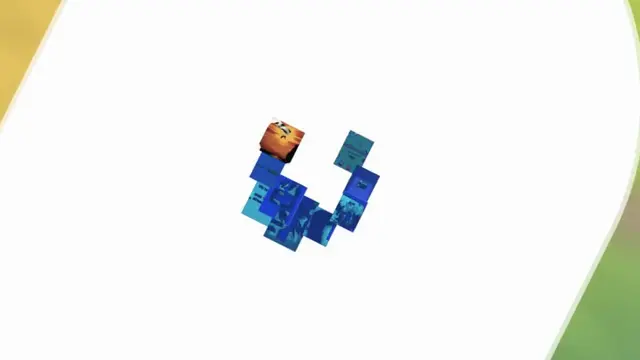
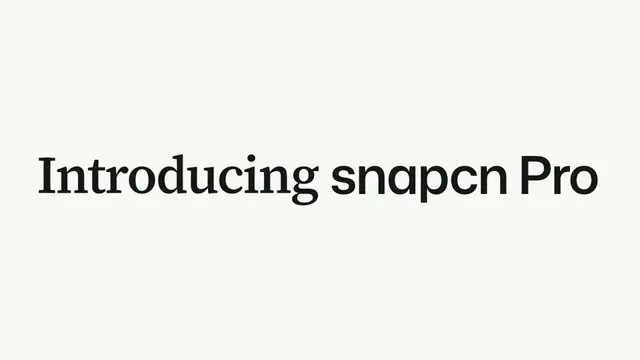
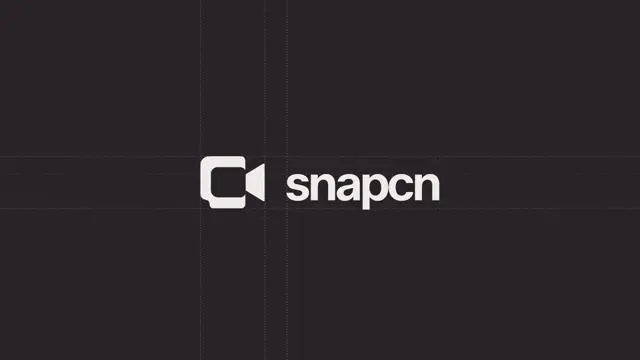
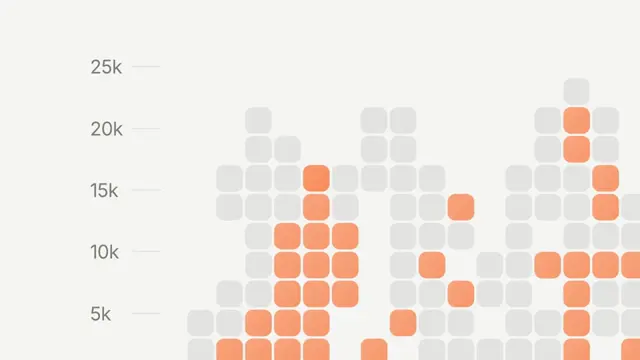
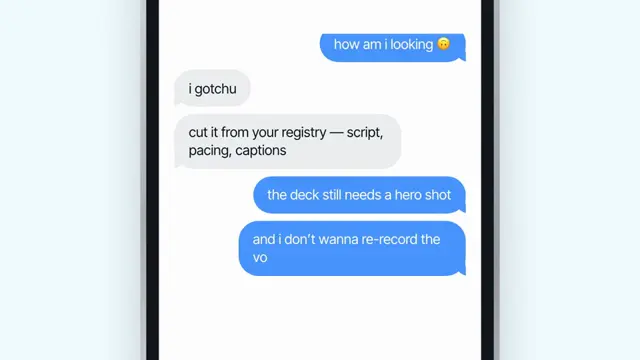
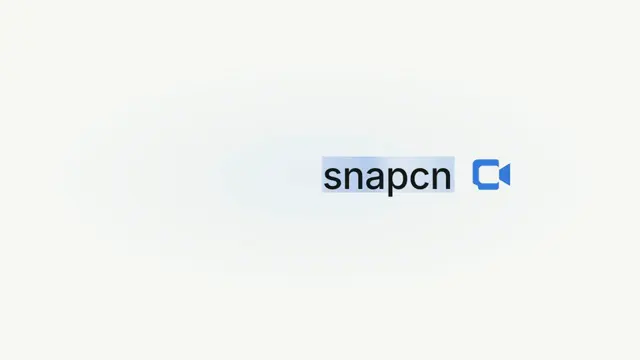
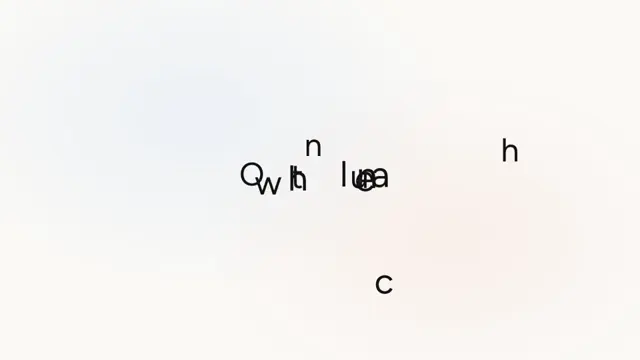
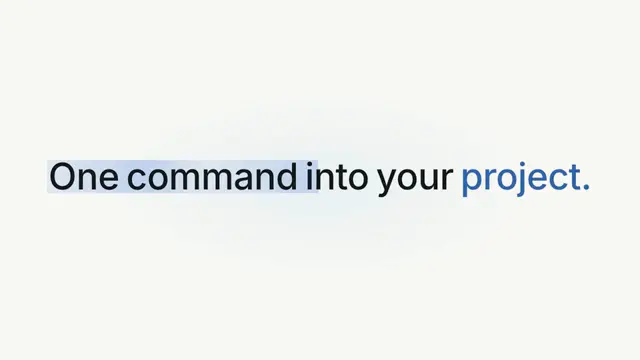
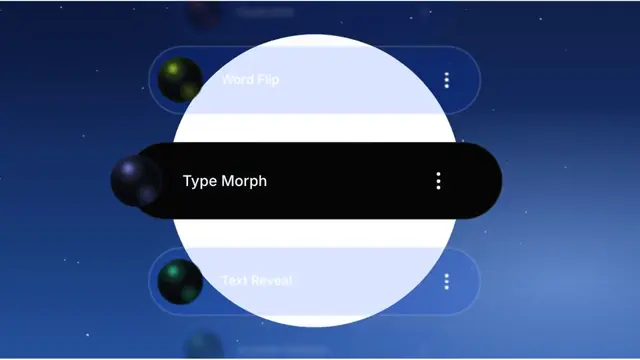
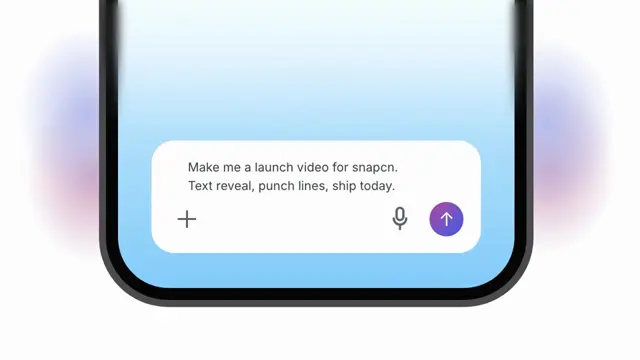
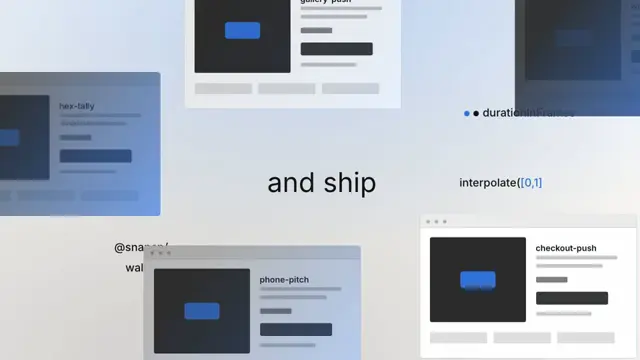
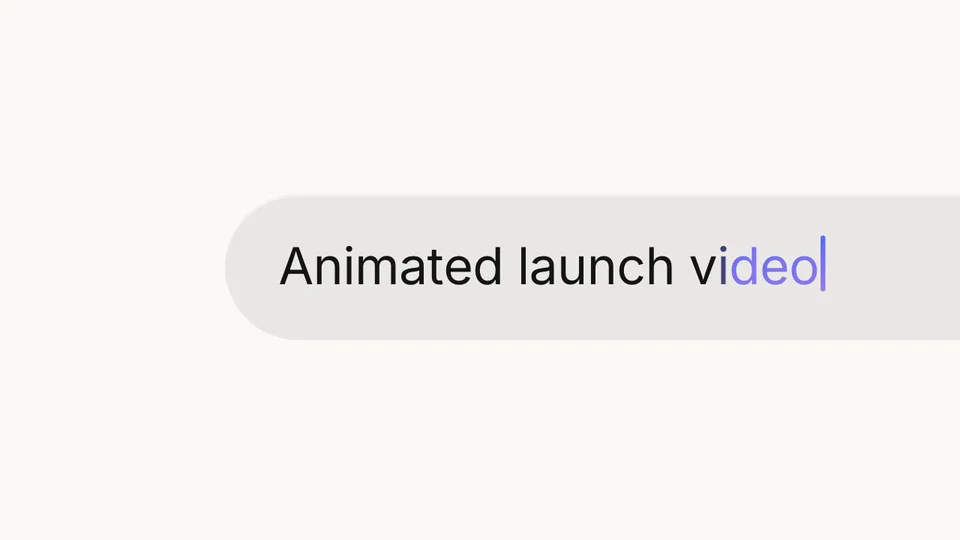
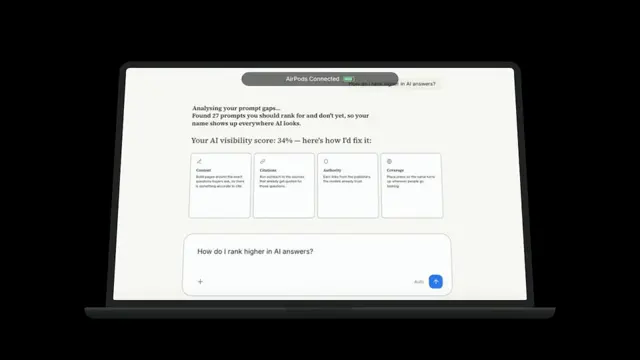
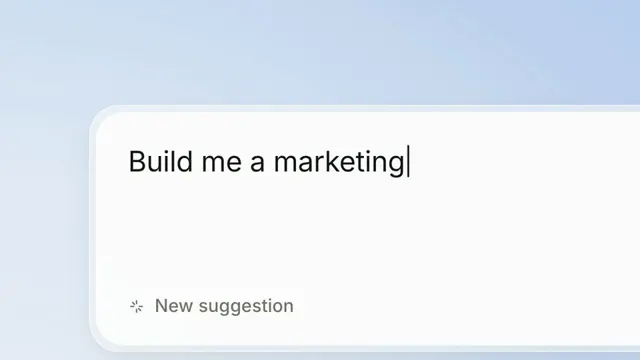
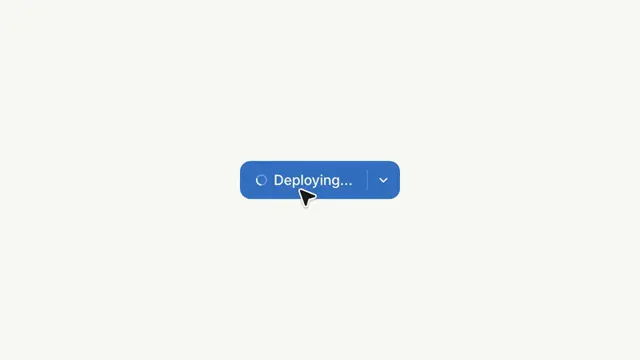
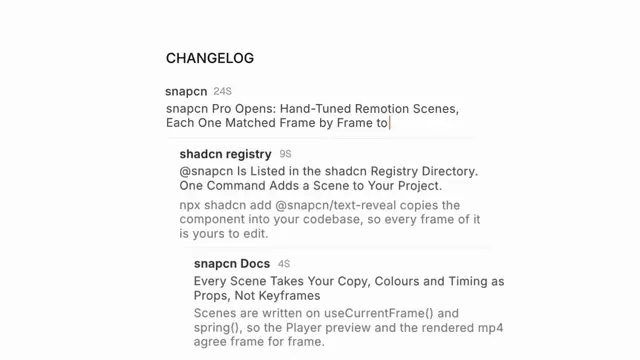
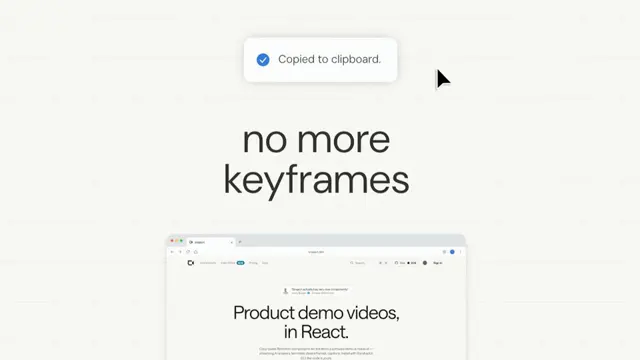
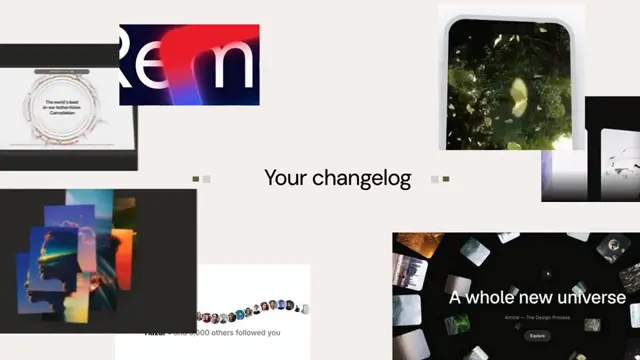
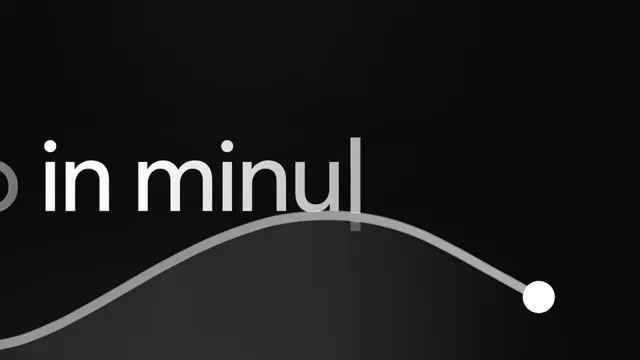
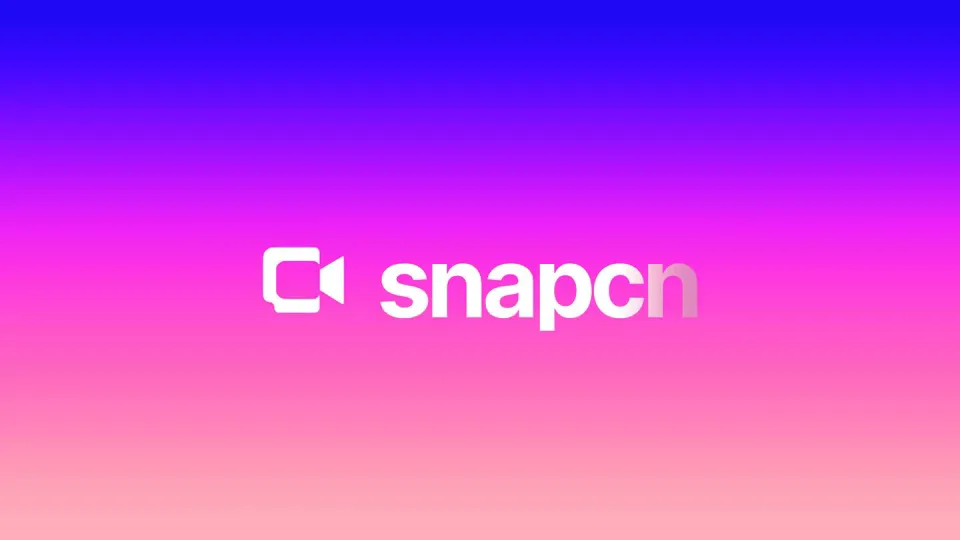
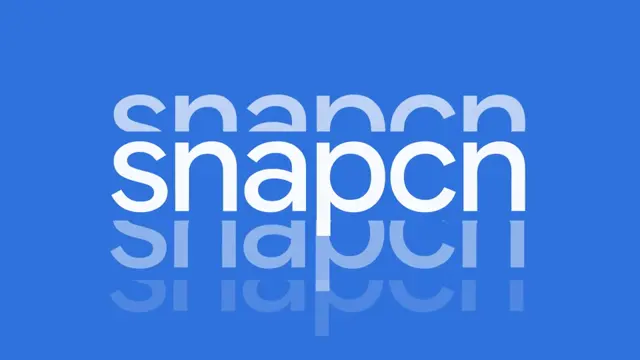
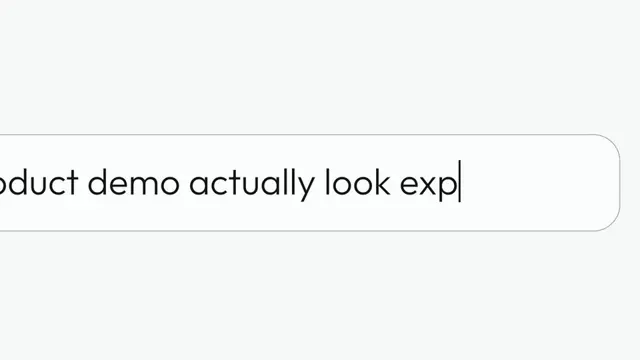
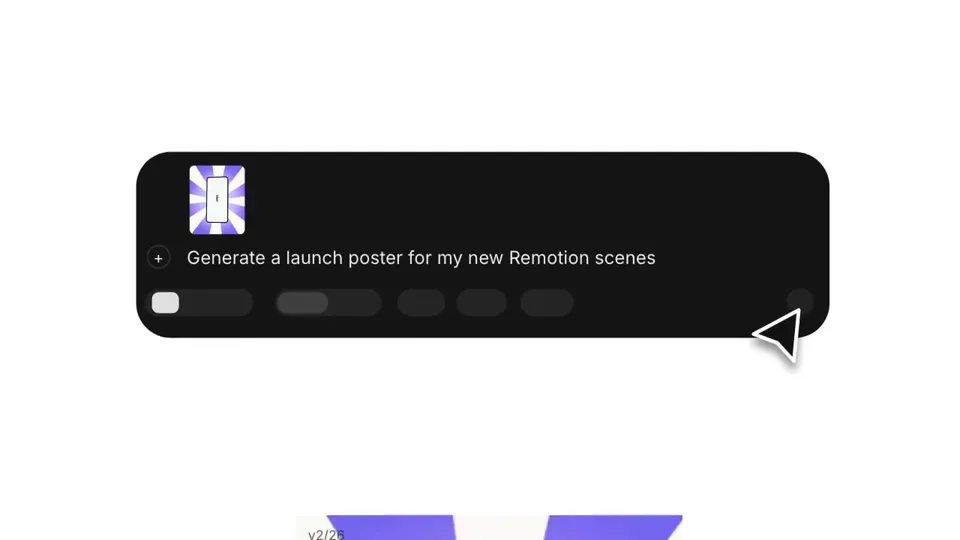
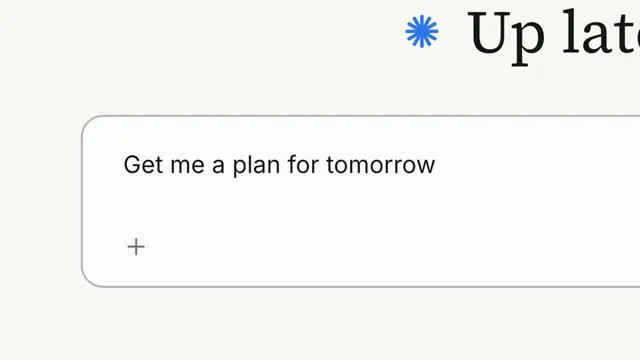
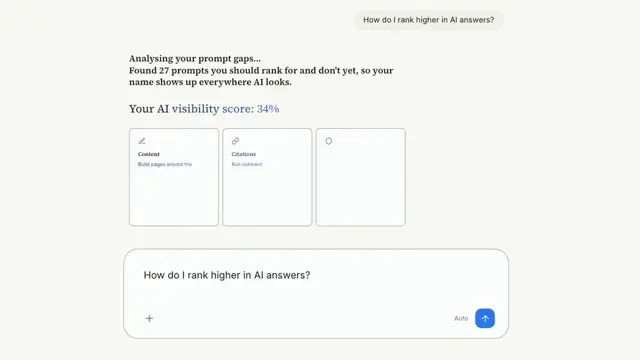
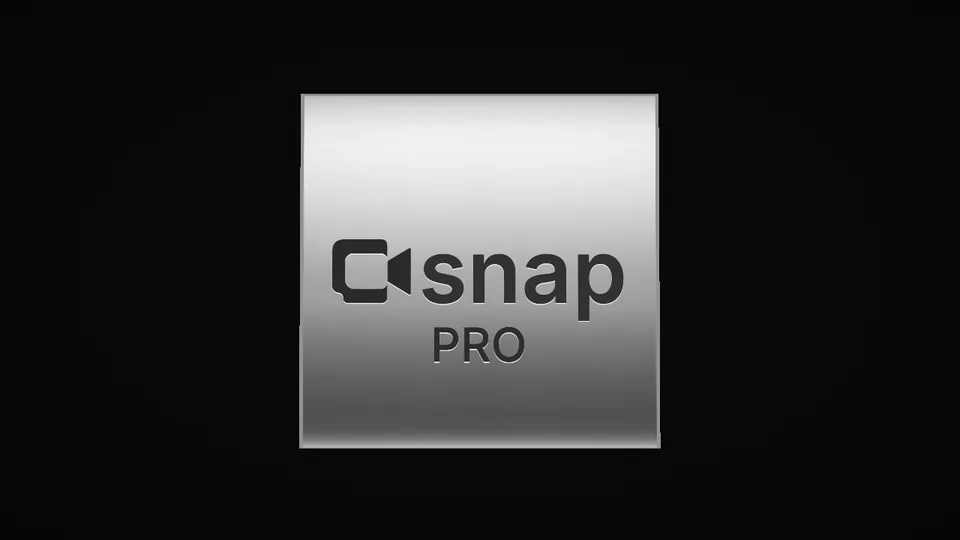
A prompt types into a pill, the camera pans to send, the arrow becomes the snapcn mark and a bloom flashes it into a logo lockup
- Type
- Animation
- Duration
- 5.8s
- Category
- AI Chat Input
- Source
- snapcn
Install
Installation
$ pnpm dlx shadcn@latest add @snapcn/prompt-markNeeds an existing Remotion project and a components.json. Two-minute setup if this is your first snapcn component.
Component code
The exact files shadcn add copies into your project.
Usage
175 frames at 30fps. The camera pan was measured for about 11 characters of prompt, so keep text short. Colours come from your SnapCnTheme (primary is the accent); mode is the mode it opens in, and the flash lands in the other.
import { PromptMark } from "@/components/snap-cn/prompt-mark";

export const Beat = () => <PromptMark text="Ship a demo" name="snapcn" />;
Frequently asked questions
How do I add Prompt Mark to a Remotion project?
Run npx shadcn@latest add @snapcn/prompt-mark. The source is copied into components/snap-cn/ (or wherever your components.json points) with anything it depends on, and you own the code from then on — there is no runtime package to keep installed.
What is Prompt Mark?
Prompt Mark is a Remotion prompt to logo reveal animation for React. A prompt types into a pill, the camera pans to send, the arrow becomes the snapcn mark and a bloom flashes it into a logo lockup.
What do I need before using Prompt Mark?
An existing Remotion project (npx create-video@latest) with a components.json. shadcn init does not recognise Remotion, so the installation guide has you write that file by hand — it takes two minutes. The component is MIT licensed and free.